Creative Tech
Making Card Decks with AI: From Prompt to Print
A pipeline that turns card concepts into AI-generated artwork, web-rendered layouts, and print-ready files. Four decks and counting.
16 January 2026 · 9 min read
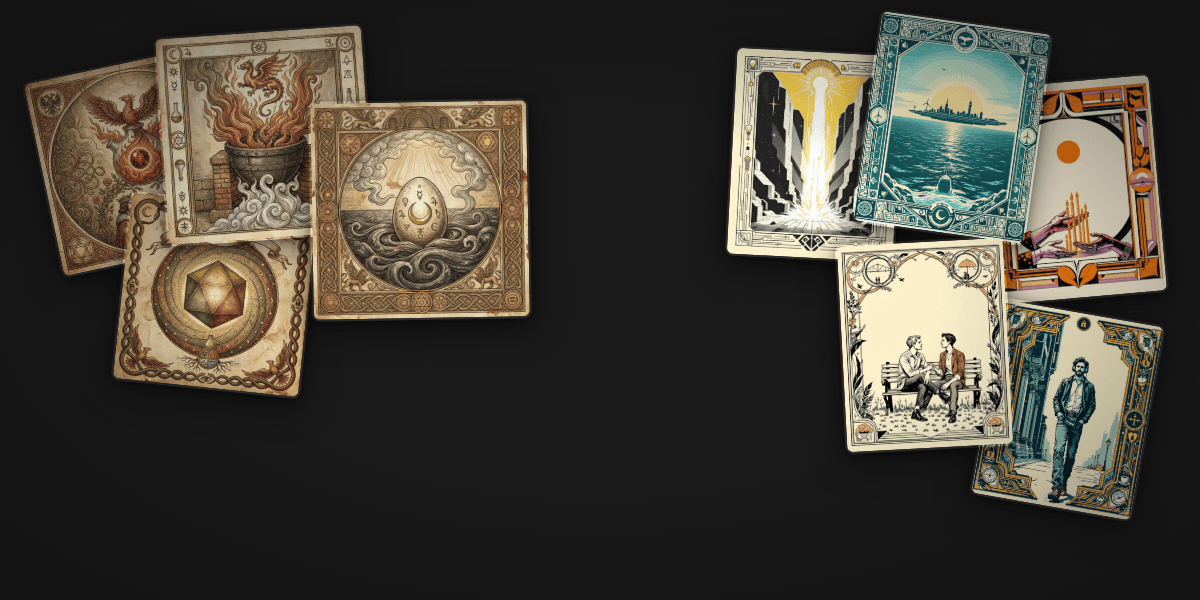
I design card decks for workshops. Futures thinking, relationship therapy, alchemical symbolism, plant intelligence — the topics vary, but the format is the same: a deck of 40–70 cards that participants draw, combine, and interpret. I keep using cards for a reason: they’re tangible, combinatorial, and they force you to distill an idea down to a title, an image, and a sentence or two.
The problem is making them. A professional card deck with custom artwork used to take months and cost thousands of dollars in illustration. So I built a pipeline that takes a JSON file of card concepts and produces, in about an hour, a complete deck with AI-generated artwork, web-rendered card layouts, and print-ready files you can send directly to a manufacturer.
I built the first two decks in the first week of January 2026. The MFT therapy deck followed a week later. Four decks so far: a 72-card Futures Oracle, a 39-card Alchemy Deck, a 63-card relationships therapy game, and a 40-card Plant Intelligence oracle. Here’s how the pipeline works.
Step 1: Card Data
Every deck starts as a JSON file. Each card has an ID, a name, a short description, and optional fields depending on the deck type — symbols, keywords, positive and negative interpretations, modifier values. The structure is simple enough that Claude Code can generate an entire deck from a conversation about the theme.
The Alchemy Deck, for example, has seven categories: Stages (nigredo, albedo, citrinitas, rubedo), Operations (calcination, dissolution, separation), Elements, Principles, Vessels, Sages, and Arcana. Each card carries a quote from a historical alchemical text — sourced from Source Library — and a reflective question. The Nigredo card: “The beginning of our work is in the blackness” (Sendivogius). Question: “What needs to die? What shadow must you face?”
The MFT (marriage and family therapy) deck is structured differently: Life Domains, Gottman’s Four Horsemen, Antipatterns, Positive Patterns, Fundamental Needs, and Mode Cards. Each card has conflict scenarios for couples to practice with. The format is flexible enough to handle oracle decks, therapeutic games, and speculative design tools from the same codebase.
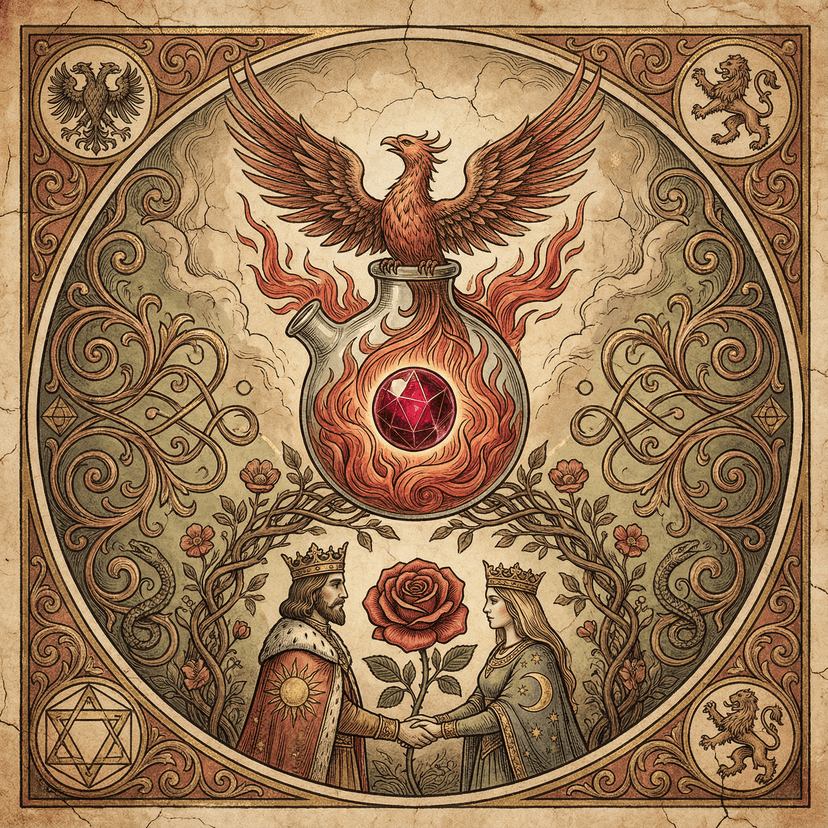
Alchemy Deck: Rubedo (Stage IV)
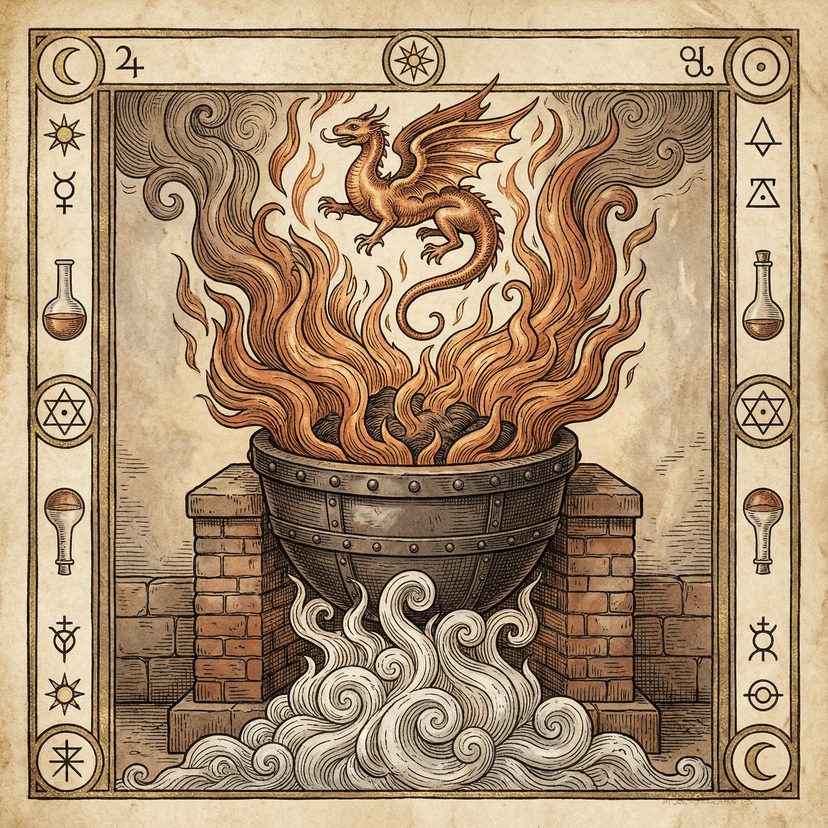
Alchemy Deck: Calcination
Step 2: AI Artwork
A Node.js script reads the card data and generates one image per card using Replicate’s Flux 1.1 Pro model (about $0.04 per image). Each card gets a detailed prompt combining a consistent deck-wide style guide with card-specific visual elements.
The base style for the Futures Oracle:
rich saturated colors, mysterious mood, oracle card aesthetic,
no text, no letters, no words, no watermarks.
Each card appends its specific imagery. The Plant Intelligence deck shows how detailed these prompts get: “intricate botanical tarot card showing mycelial network beneath forest soil, golden threadlike connections between tree roots, sacred geometry of interconnected filaments, art nouveau border with neural-like patterns, mystical scientific diagram.”
Getting consistency across 40–70 cards is the hardest part. The style prompt does most of the work, but you still get outliers — cards that feel like they’re from a different deck. I regenerate about 10–15% of images. At $0.04 each, the cost of iteration is trivial.
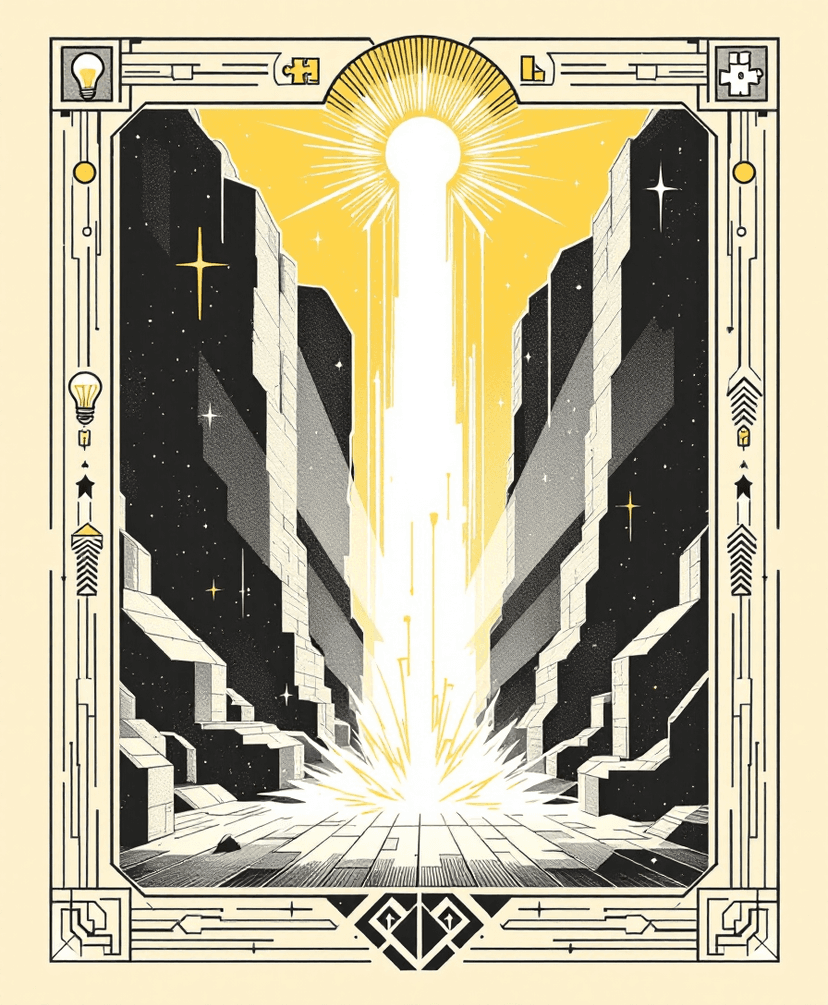
Futures Oracle: Breakthrough
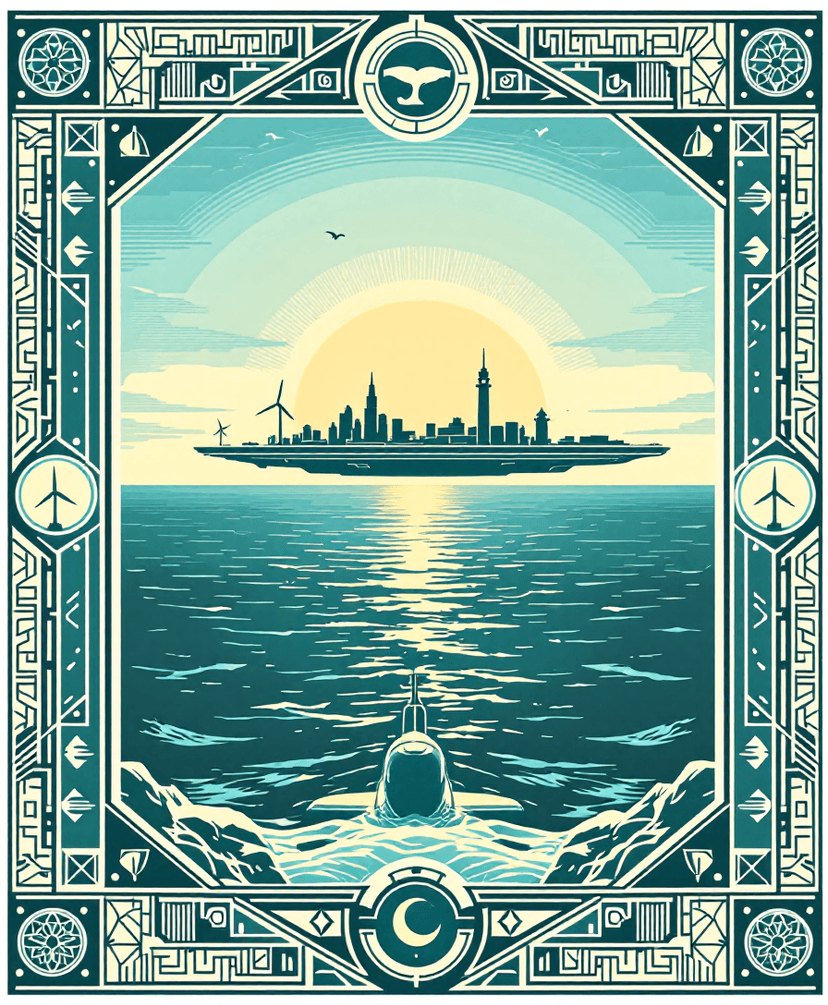
Futures Oracle: Ocean
For some decks I use MuleRouter’s Wan2.6 model as an alternative. The async polling workflow is different (fire-and-forget task creation, then poll for completion) but the output quality is comparable.
Step 3: Card Rendering
This is where Puppeteer earns its keep. A rendering script launches headless Chrome, loads an HTML template for each card, injects the artwork and text, and takes a screenshot. Two output paths:
- Web cards: 900 × 1500 pixels, 72 DPI, rounded corners (40px radius). For digital display and online galleries.
- Print cards: 1050 × 1750 pixels, 300 DPI, square corners with 4mm bleed on all sides. Die-cut by the printer.
Each category gets its own color scheme and gradient background, defined in acategoryStyles object. The Alchemy Deck’s Nigredo cards get dark purple gradients (#1f1a2e to #0f0a1a). The MFT deck’s Money & Finances domain gets forest green (#2d5a27). These accents are subtle but they make cards from the same category visually cohesive when fanned out on a table.
Typography took more time than I expected. Card titles need to be large enough to read at arm’s length. Subtitles in italics. Context text sized for close reading. The rendering template handles all of this with CSS — cards are effectively tiny web pages.
Step 4: Print Production
Print-ready files are packaged as a ZIP and uploaded to a manufacturer. The specs matter:
The output is roughly tarot-sized PNGs with bleed margins, square corners (the printer die-cuts the rounds), and RGB color — printers handle the CMYK conversion.
For small runs (1–25 decks), MakePlayingCards.com is cheapest: about $30–40 for a single deck, dropping to $15–20 at 10+. They accept tarot-size cards (2.75″ × 4.75″) and the upload process is straightforward. For medium runs, DigiDecks in the Netherlands does 20–25 deck minimums with custom formats. For 100+, Acelion offers professional quality with custom packaging.
The total cost for a new deck, from concept to a physical prototype in your hands: about $35 in AI generation + $30–40 for a single printed copy. Under $80 for a completely custom card deck with unique artwork on every card.
The Interactive Layer
The Futures Oracle deck goes further. It has a live web interface where you draw cards and Claude generates a scenario based on your draw. You pull an Arc card (what kind of change), a Terrain card (what domain), an Object card (what thing is changing), and a Wellbeing card (what’s the human impact). Claude weaves them into a 2–3 paragraph future scenario with a title, a grounded character scene, and second-order implications. Then MuleRouter generates an illustration of the scenario.
This goes beyond printed cards. The physical cards set up the combinatorial space. The AI fills it with meaning. Draw the same three cards twice and you get different scenarios — the cards are constraints, not scripts.
The Template System
The whole pipeline is templatized. The _template/ directory contains a clean starting point: cards.json for data, generate-images.js for artwork, render-cards.js for web output, and render-print-cards.jsfor print output. A 350-line guide (CREATING-CARDS.md) walks through the entire process.
In practice, creating a new deck with Claude Code looks like this:
- Describe the deck theme and categories in conversation
- Claude generates the card data JSON
- Review, iterate on card concepts
- Run image generation (~5 seconds between API calls to avoid throttling)
- Review artwork, regenerate outliers
- Run card rendering (web + print)
- Upload print files to manufacturer
The entire process, from “I want a deck about X” to holding printed cards, takes about a week — most of which is waiting for the printer to ship.
Why Cards
I keep coming back to cards because they solve a specific design problem: how do you get a group of people to think combinatorially about a complex topic? Slide decks are linear. Workshops are facilitator-dependent. But a deck of cards is a portable, self-contained system for structured improvisation. You draw three cards and you’re forced to find connections between ideas that you wouldn’t have juxtaposed on your own.
The AI pipeline makes it feasible to create decks for any context. A workshop on climate adaptation? Design a deck in an afternoon. A therapy exercise for couples? A deck. A classroom activity on molecular biology? A deck. The bottleneck now is having something worth making cards about.
How It Was Built
The card decks were built across 6 Claude Code sessions and 321 prompts, spanning late December 2025 through January 2026. The real conversation is messier than a tidy pipeline description suggests:
> I am wanting to make printable carddecks
# Early image generation was bad
> hmmm... pretty bad. Let’s go back to our core purpose
> — do you understand what we are doing?
# Finding the visual style
> Make them more of a natural philosophy feel. Colored engravings.
> With small details. Maybe a central image and small details
> surrounding that trigger associations
> too old fashioned. Keep the engravings but for modern concepts.
> No text. Make them look good on cards
# The MFT deck — reusing the template
> I want to make a new carddeck for marriage and family therapy.
> Help me do some research on approaches.
# Iterating on therapy card content
> Make the sex card have sexier content. Like, you can use
> words like horny. In general, the “try saying” feels a
> little... underperforming
You can watch compressed replays of the building sessions at codevibing.com (the Alchemy Deck, Futures Oracle , and MFT therapy deck ).
The template and decks are on GitHub. If you make a deck, I want to see it.